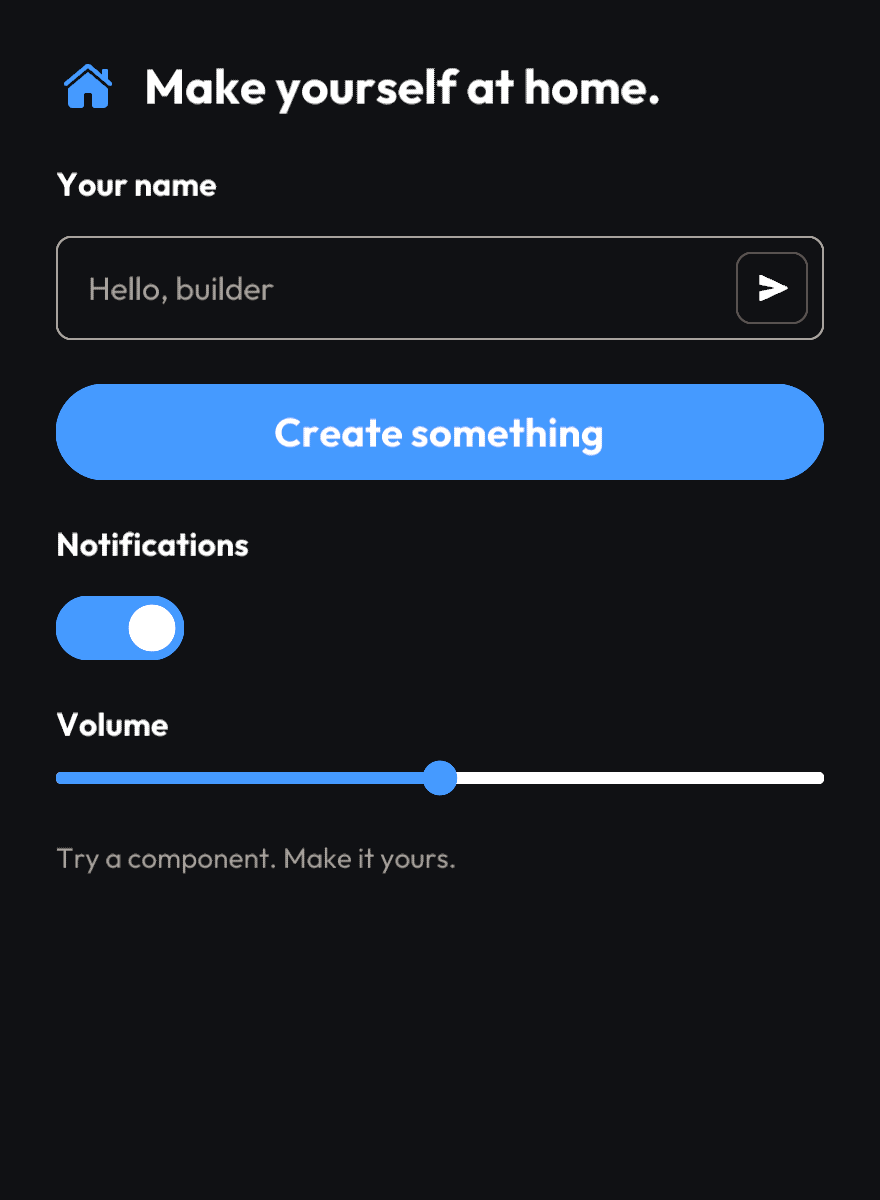
Components that fit together
Use buttons, inputs, sliders, toggles, lists, avatars, and media views from one coordinated component library.

Pelican UI brings ready-made components and structured layouts to the Prism ecosystem. Build consistent application interfaces with fewer decisions to repeat.
 BUILT ON RAMP
Use buttons, inputs, sliders, toggles, lists, avatars, and media views from one coordinated component library.
Compose pages using established layout patterns and built-in navigation, keeping the experience consistent as an application grows.
Build on Prism’s drawing and events, PTSD’s layouts and themes, and AIR data access through Prism.
Text fields, buttons, toggles, and sliders. A closer look at the native components that bring Pelican UI interfaces to life.