PB PasswordsKeep your logins close.
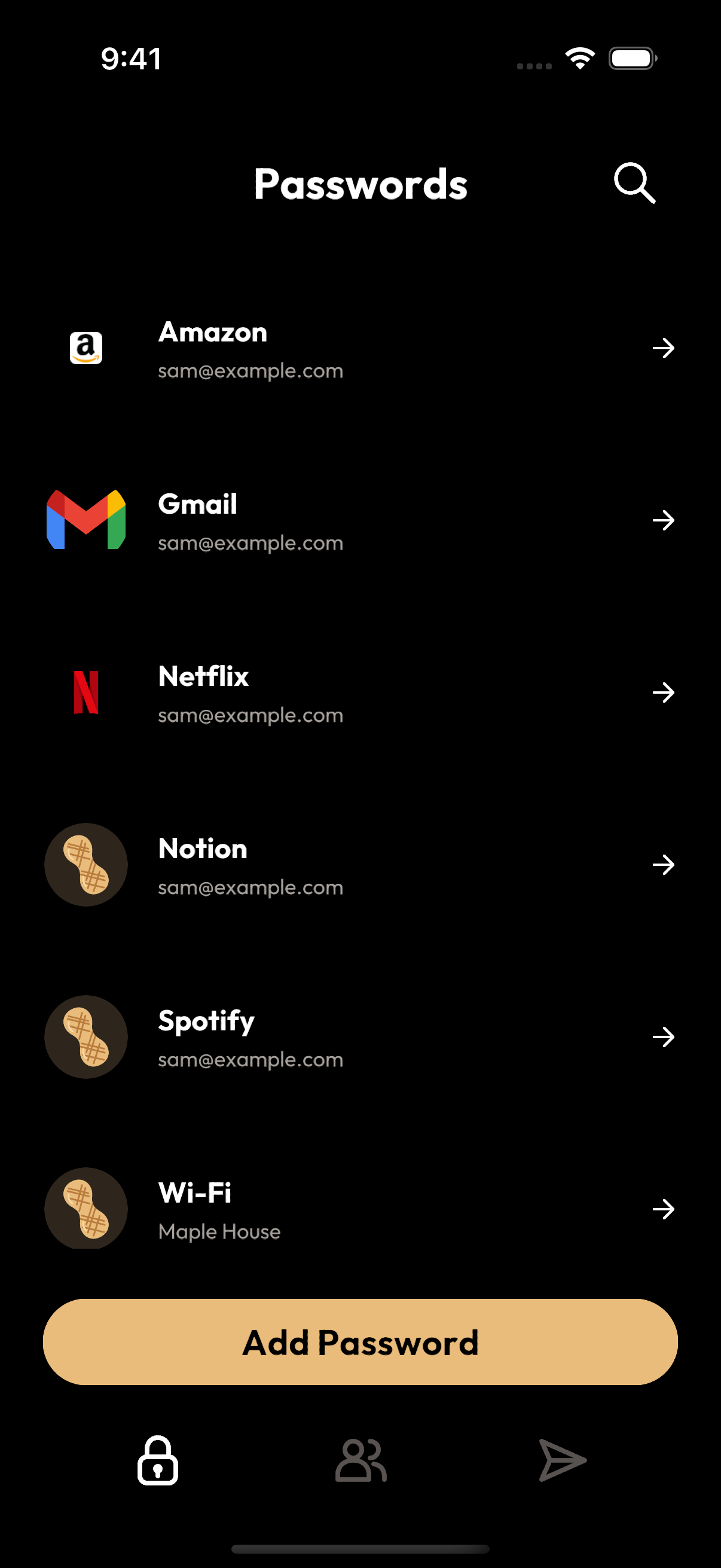
Save your logins, generate six-word passwords, and share selected copies with the people who need them. Your passwords, contacts, and requests in one native app.
 BUILT ON RAMP
Saved for you. Shared by you.
PB Passwords keeps the details of a login together: the app or website, username, password, link, and notes. Its private password list is backed by AIR, with separate flows for sharing a login or asking someone to send one.
Your logins, in one place.
Save the details once, then find them by searching a login’s name or username. Open an entry to copy a password, follow its website link, or update its details. Your saved list belongs to your AIR identity: its contract checks that changes are signed by you before accepting an edit or deletion.
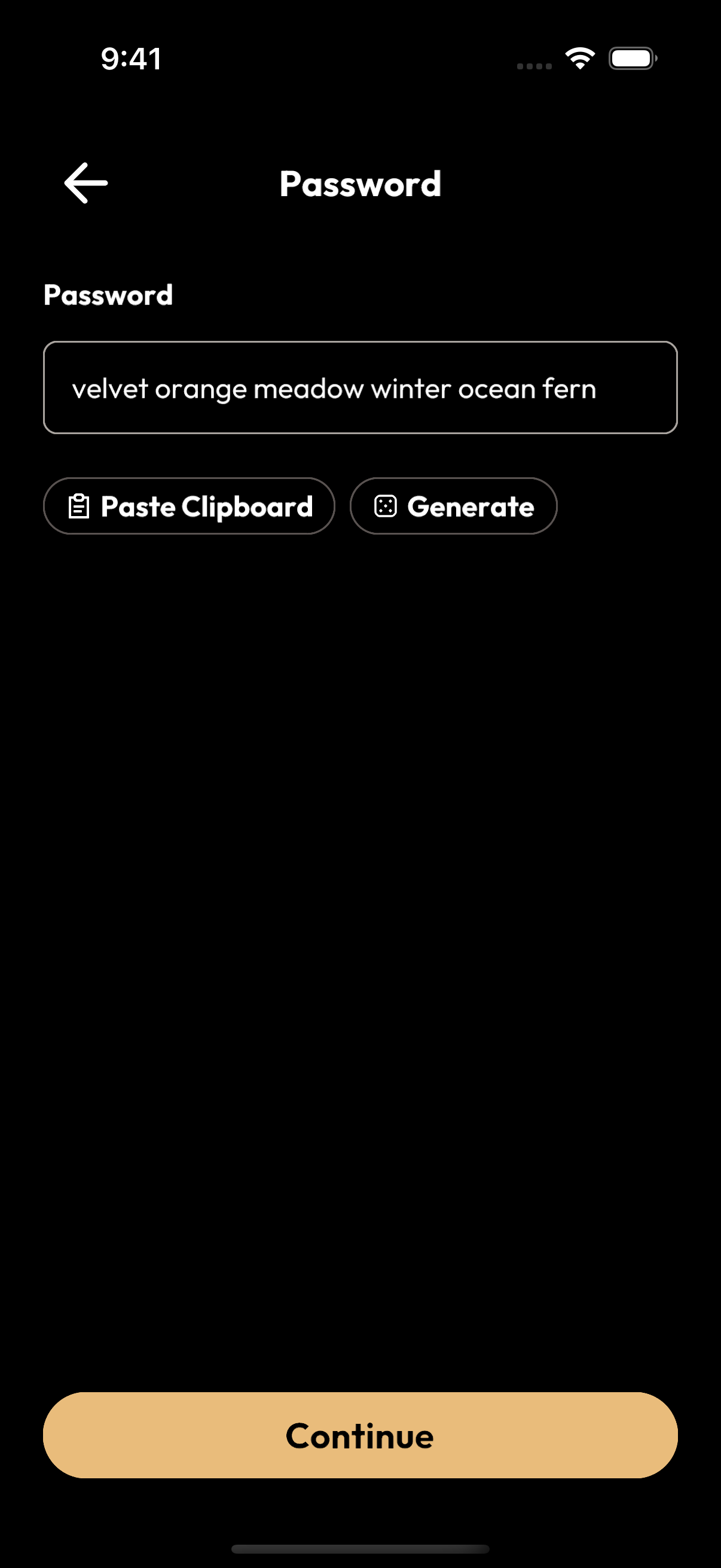
When you need a new password, Generate chooses six words using your device’s random source. The word list is bundled with the app, so generation happens locally without sending a request to a password service. The result is a lowercase phrase separated by spaces, ready to save with the rest of the login.
Choose what you share.
Add someone by pasting or scanning their Peanut Butter Name. You can start from a saved login and choose its recipients, or open a contact and choose the logins to send. A review shows your selection before anything is shared.
AIR carries each selected login in a separate transfer addressed to its recipient. Your private list stays private, and the recipient chooses whether to save the incoming copy. Once saved, that copy is their own: changing it does not change your original login.
Ask for the login you need.
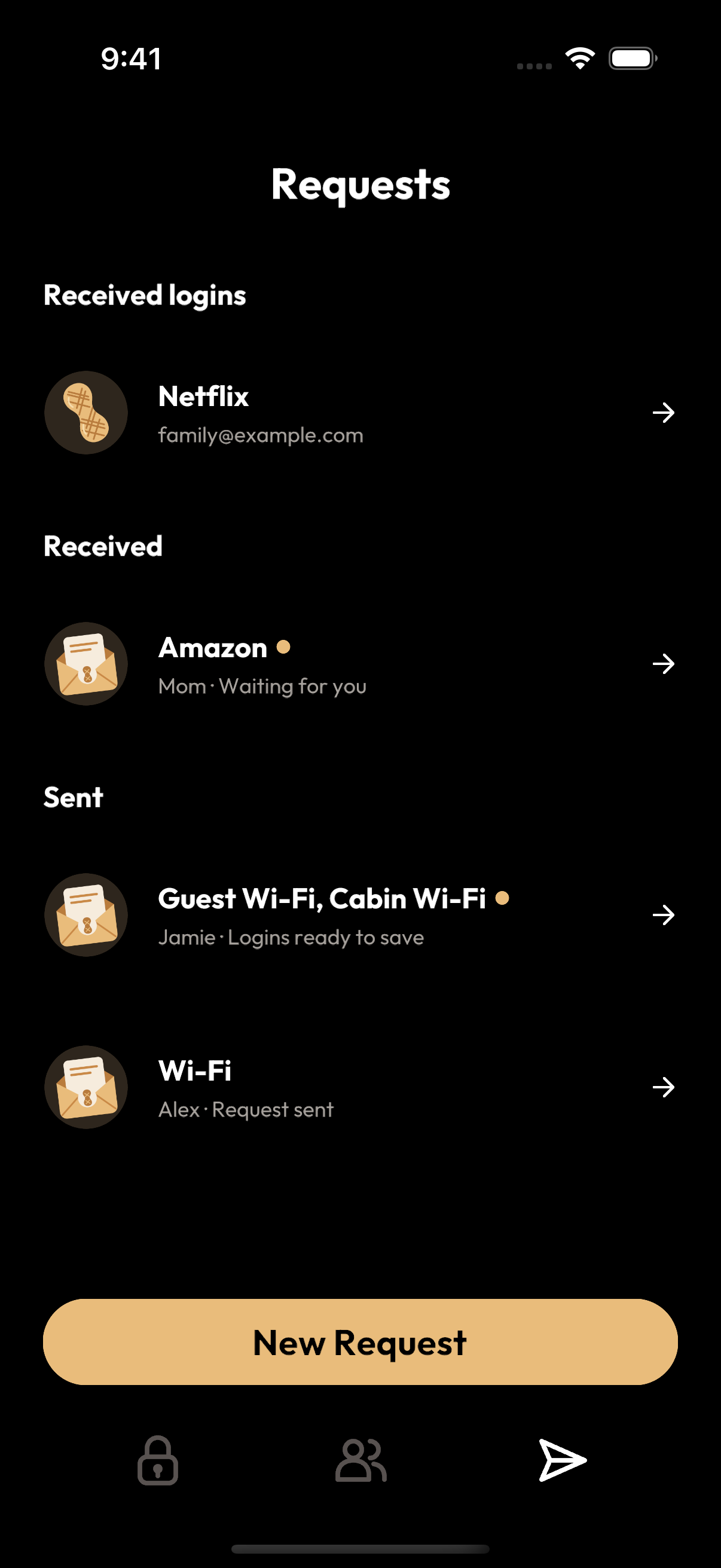
Send a contact a request naming the app or website you need. They can accept or deny it. Accepting opens their login list so they can choose exactly what to send back; it does not give the requester access to browse their passwords.
Replies appear in Requests, where you can review the returned logins and save them to your own list. AIR’s request contract records who asked, who can respond, and whether the reply has been saved. It checks the signer and the request’s state before accepting each step, keeping the exchange tied to the two people involved.
Save it. Share it.
Keep it together.